

Enterprise reporting is the process of pulling data from across your entire business—finance, sales, customer success, operations—and turning it into structured, governed reports that actually get used. Not press releases. Not marketing fluff. Real, independently verified performance data that drives decisions.
The difference between a good enterprise reporting setup and a broken one usually comes down to one thing: whether your data is actually connected. If your sales reps live in Salesforce, your finance team uses NetSuite, and customer success works in HubSpot, you’ve got a visibility problem. Enterprise reporting solves this by consolidating that fragmented data into a single source of truth.
Why Enterprise Reporting Matters for Operations Teams
You already know this pain. Your CEO asks for a revenue forecast by region. Someone spends two days pulling numbers from three different systems, reconciling them in Excel, and sending a half-accurate report. By the time it lands, the data is stale.
That’s where enterprise reporting comes in. It’s not just about dashboards. It’s about giving your operations, finance, and RevOps teams real-time visibility into what’s actually happening across your business.
When you implement proper enterprise reporting, you get:
Related: Real-Time Operational Dashboards for Finance Teams
Related: What Is Enterprise Operations? A Guide for Teams
- Real-time KPI tracking across all systems
- Compliance-ready audit trails for every number
- Automated distribution so leadership sees updates without asking
- Governed data quality—no more shadow spreadsheets
- Faster decision-making because everyone’s looking at the same numbers
The problem is most companies treat reporting like an afterthought. They buy a BI tool, plug in some dashboards, and hope for the best. That doesn’t work when your underlying data is a mess.
The Real Challenge: Data Integration Before Reporting
Here’s what people don’t talk about enough: enterprise reporting is only as good as the data flowing into it.
If your Salesforce pipeline doesn’t sync with your NetSuite forecast, your revenue report is garbage. If your customer success platform doesn’t talk to your billing system, your churn metrics are wrong. If your marketing automation doesn’t connect to your CRM, you can’t track pipeline source.
This is why Flows360 exists. Before you can report on anything, you need the connective tissue between your systems. Enterprise reporting without proper integration is like trying to read a book written in three different languages—you’ll get pieces of the story, but never the full picture.
The workflow looks like this:
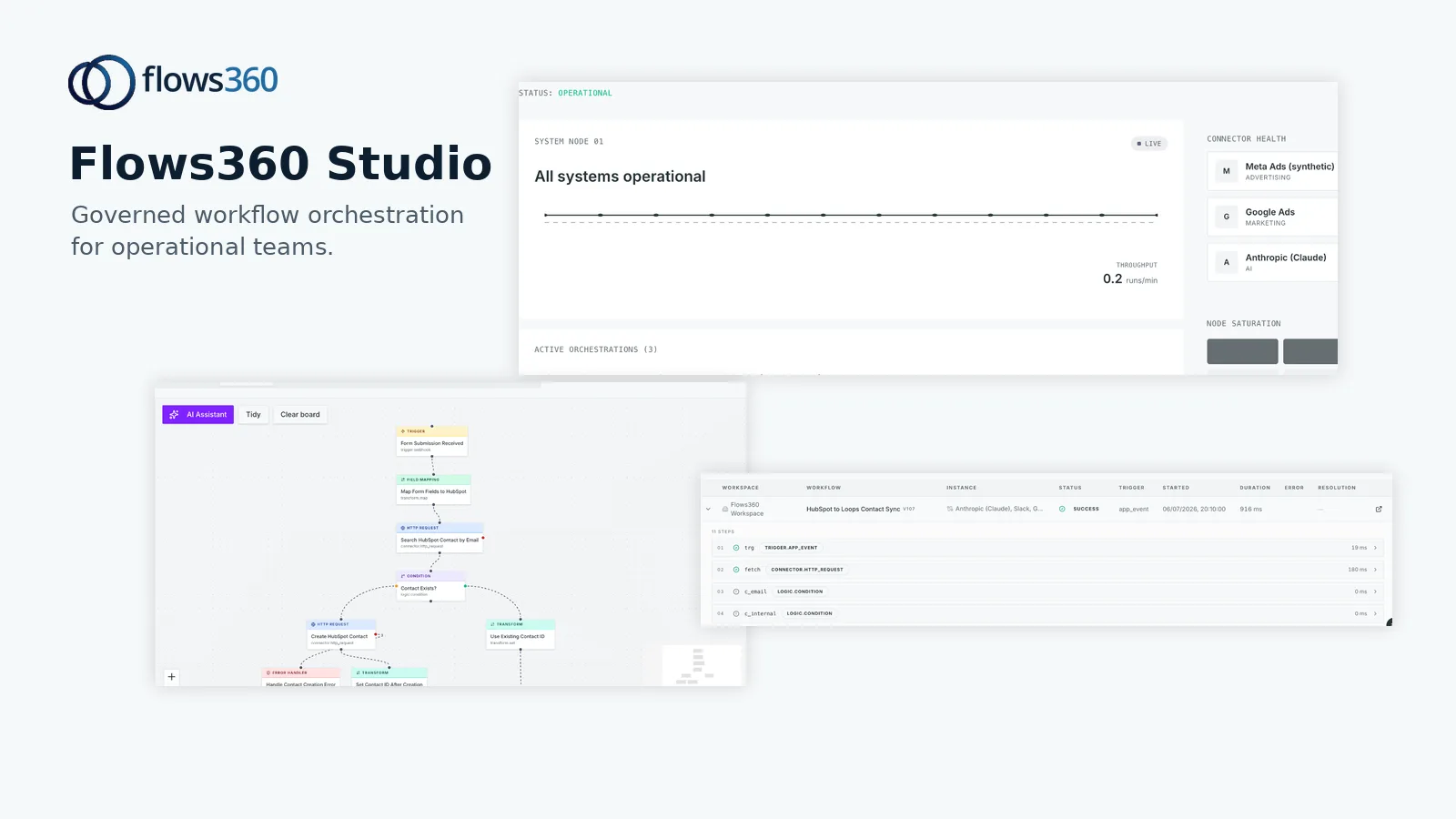
- Step 1: Map data flows between all your operational systems
- Step 2: Build governed, auditable connections with transformation logic
- Step 3: Standardize how data is shaped and passed between platforms
- Step 4: Set up continuous validation to catch bad data before it hits reporting
- Step 5: Feed clean, trusted data into your reporting layer
Building Your Enterprise Reporting Strategy
Start by identifying which reports actually move the needle in your organization. Not every possible report. The ones that drive decisions.
For most companies, this means:
- Revenue reports (pipeline, bookings, forecast, ARR cohorts)
- Finance reports (cash flow, AP aging, revenue recognition)
- Customer success reports (churn, NPS, expansion opportunities)
- Sales operations reports (win/loss analysis, sales cycle length, quota attainment)
Once you know what reports matter, work backward. What data do you need? Where does it live? How fresh does it need to be? What transformations or calculations happen before it gets reported?
This is where most implementations fail. Companies skip the integration work and try to force reporting tools to do the heavy lifting. It doesn’t scale. You need a platform that handles multi-step workflow orchestration, data validation, and governed delivery. That’s what separates one-off dashboards from enterprise-grade reporting.
With Flows360, you’re not just moving data—you’re building auditable, deterministic workflows that stakeholders can trust. Every transformation is logged. Every step is visible. Every number is traceable back to the source system.
See where your workflows are leaking time?
Key Components of Real Enterprise Reporting

Governance matters more than features. Here’s what your setup needs:
Related: Enterprise Ledger: What It Is & Why It Matters in 2026
- Data lineage: You should be able to trace any number on any report back to the original system record
- Automated workflows: Reports should distribute themselves on a schedule without manual handoff
- Transformation logic: Calculations, mappings, and business rule logic should be version-controlled and auditable
- Error handling: When something breaks, your system should alert the right person, not silently fail
- Access controls: Not everyone needs to see every report. Define who gets what, when, and why
- Refresh schedules: Know exactly when your data updates and communicate that to stakeholders
Most companies underestimate how much of enterprise reporting is actually about change management and communication. Your CFO doesn’t care how elegant your SQL is. They care that the forecast is accurate, available by 9 AM every Friday, and hasn’t changed since yesterday without explanation.
Common Enterprise Reporting Mistakes to Avoid
Don’t build reports before you’ve fixed your data.
We’ve seen this pattern: a company buys a fancy BI platform, builds dashboards, then discovers the underlying data is inconsistent across systems. Now you have beautiful reports showing the wrong numbers. That’s worse than no reports at all.
Second mistake: treating reporting as a one-time project. Enterprise reporting is continuous. New metrics emerge. Data sources change. Integrations break. You need a team and a process, not a quarterly refresh.
Third mistake: assuming your business intelligence tool is responsible for data integration. It’s not. A BI tool visualizes data. Flows360-type integration platforms move and transform data. You need both, and they need to work together.
How to Get Started With Enterprise Reporting Today
Step one: audit your current state. Where does critical business data live? What reports do you generate manually? Which ones take the longest? Which ones get questioned most often?
Step two: prioritize one workflow. Don’t try to automate everything at once. Pick your most painful monthly or weekly manual process.
Step three: map the data journey. What systems feed into that report? How is data transformed? Where does it end up? What’s the current turnaround time?
Step four: build the integration. This is where the rubber meets the road. You need a platform that can handle API calls, database queries, complex transformations, and error handling without breaking.
Step five: validate ruthlessly. Before your report goes live, compare it against your old manual process. Numbers should match. If they don’t, you haven’t found the problem—you’ve found your baseline for improvement.
Most operations teams we talk to spend 30-40% of their time on reporting logistics instead of strategy. That’s not a technology problem—that’s a workflow problem. And workflow problems need workflow solutions, not just dashboard tools.
Enterprise Reporting Tools Worth Your Time

You’ll want a combination of platforms working together. A modern stack usually looks like:
Related: Best Enterprise iPaaS Platforms 2026: Top 5 Ranked
Related: Best Enterprise Account Platforms 2026: Top 5 Ranked
Related: Best Enterprise Accounting Software 2026: Top 5 Ranked
- Data integration layer: Pulls from all your systems, transforms data, enforces business rules
- Data warehouse or lake: Centralized repository where all integrated data lives
- BI/visualization tool: Turns data into dashboards, reports, and alerts
- Workflow orchestration: Automates the entire pipeline so reports generate and distribute without manual work
The integration layer is the part most companies get wrong. They assume their BI tool can handle it or that native connectors are enough. Native connectors are brittle. They break when APIs change. They don’t include business logic. They don’t provide audit trails.
You need a dedicated integration platform that treats data movement as a first-class concern. That’s where Flows360 fits—it’s the connective tissue that makes enterprise reporting actually work at scale.
What Enterprise Reporting Means for Decision-Makers
If you’re a finance leader, operations director, or VP of RevOps, enterprise reporting should feel like this: you wake up, open your email, and your key reports are waiting. No delays. No version conflicts. No “let me check with the data team.”
You can click into any number and trace it backward. You know exactly when the data last updated. You understand what assumptions or calculations went into each metric. You trust it completely.
See where your workflows are leaking time?