

Your finance team is probably spending hours each week on tasks that could be automated. Manual payment processing, reconciliation checks, month-end close routines, and approval workflows are eating up time that should go toward strategic financial planning. The question isn’t whether you can afford automation anymore—it’s whether you can afford to keep doing this manually.
Payment automation fundamentally changes how financial workflows operate. Instead of chasing approvals, manually entering data, and reconciling discrepancies across disconnected systems, your team gets real-time visibility, faster processing, and a verifiable audit trail. Here’s what actually happens when you automate your payment operations.
The Real Impact: What Payment Automation Does to Your Workflows
Let’s be direct: payment automation isn’t just about speed. It rewires how your entire financial operation works. When you connect your accounting system, ERP, and payment platforms through Flows360, invoices move through approval workflows automatically, payments execute on schedule, and reconciliation happens without manual intervention.
Related: Best Payment & Invoice Reconciliation Automation 2026: Top 5 Platforms Ranked
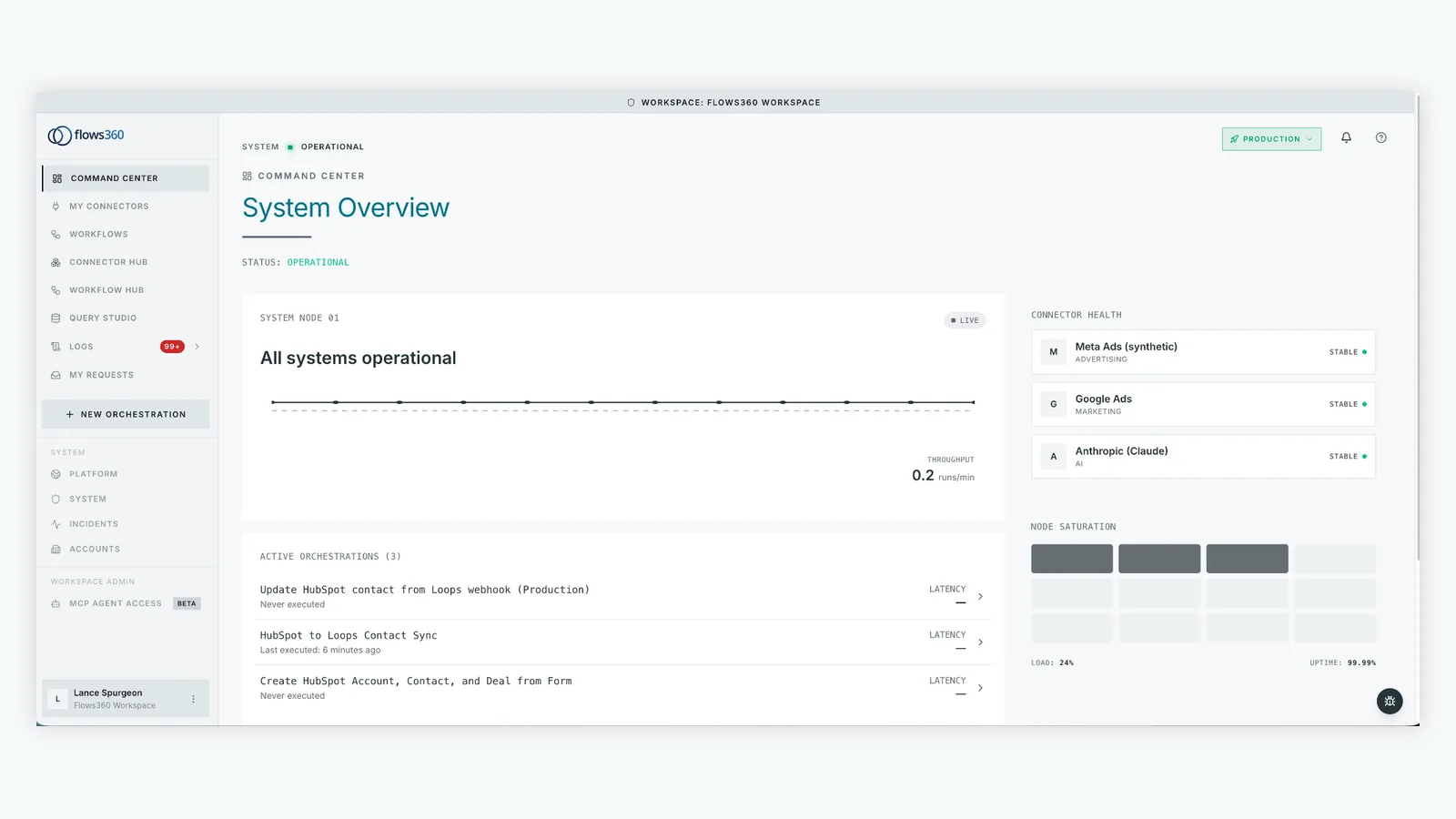
The scope of impact is wide. You’re talking about:
- Payroll cycles that process without human data entry
- Accounts payable workflows that route approvals based on amount, vendor, or cost center
- Month-end close routines that compress from days to hours
- Reconciliation processes that flag exceptions instead of requiring manual matching
- Global payout operations that scale without adding headcount
The numbers back this up. Finance automation reduces manual work by 50 to 90 percent depending on your current process maturity. That’s not theoretical—that’s time your team gets back.
Error Reduction and Accuracy: The Hidden Savings
Manual payment processing is error-prone by design. Typos in recipient bank details, duplicate invoice entries, incorrect cost center allocations, mismatched currencies on global payments. These aren’t rare edge cases—they’re embedded in any high-volume operation running on spreadsheets and manual handoffs.
Automated workflows eliminate those failure points. Once you define the rules (validation checks, approval thresholds, data mapping), the system executes them identically every time. No fatigue. No shortcuts under deadline pressure. No guessing whether an invoice already processed.
The result is measurable: fewer payment reversals, fewer reconciliation exceptions, fewer compliance audit findings. For large organizations processing thousands of payments monthly, even a 1-2% error rate reduction adds up to thousands of dollars and countless hours recovered.
Speed and Cash Flow Visibility: Where Strategy Happens
Here’s where payment automation becomes genuinely strategic. Real-time visibility into payment status, cash flow timing, and budget consumption lets your CFO make better decisions faster.
Instead of waiting for month-end reporting to understand where money went, you see it in real time. Payment schedules align with cash availability. Vendor discount windows don’t get missed because invoices are stuck in someone’s inbox. You can predict upcoming cash needs and optimize working capital instead of scrambling reactively.
Flows360 users report that this visibility component alone reshapes how they approach financial planning. You move from backward-looking reporting to forward-looking orchestration. Your finance team stops being order-takers and becomes strategic advisors to the business.
See where your workflows are leaking time?
Compliance and Auditability: The Governance Layer

In regulated industries, payment automation isn’t optional—it’s required infrastructure. SOX compliance, GDPR, PCI-DSS, industry-specific regulations all demand documented, consistent processes with clear audit trails.
Manual workflows fail this test immediately. How do you prove that a payment was approved by the right person? Where’s the evidence that your 4-eye review actually happened? What’s your source-of-truth when three spreadsheets contain different versions of the same vendor file?
Automated workflows create immutable records. Every step is logged. Every approval is timestamped and attributed. Every data transformation is traceable. When auditors ask questions, you don’t hunt through emails and spreadsheets—you pull the audit log from your system.
According to Gartner’s research on automation in finance, organizations with robust process automation see 40% fewer audit findings and significantly shorter audit cycles. That’s not just compliance theater—that’s real operational advantage.
Scaling Without Hiring: The Productivity Multiplier
Growth normally means hiring more finance staff. Payment automation breaks that equation. You process 2x the volume without 2x the headcount because the system handles the repetitive work.
Your team shifts from execution to exception handling and strategy. An AP clerk becomes an analyst monitoring unusual vendor activity or negotiating payment terms. A payroll processor becomes an HR business partner optimizing compensation structures. That’s a fundamentally better use of human talent and judgment.
This is where Flows360 gets specific. Instead of bolting on disconnected point solutions, you orchestrate end-to-end workflows across your entire financial ecosystem. Payment automation isn’t siloed in your AP tool—it connects to procurement, expense management, project accounting, and general ledger in one coordinated system.
The Implementation Reality: What to Expect
Smart implementation matters. You can’t just flip a switch and expect magic. The best outcomes happen when you:
- Map your current payment workflows in detail (yes, all the workarounds and exceptions)
- Define clear rules and thresholds for automation vs. manual review
- Connect your systems reliably (this is where integration quality matters)
- Train your team on monitoring and exception handling, not on doing the old manual tasks
- Measure outcomes against baseline metrics (cycle time, error rate, cost per transaction)
The payoff typically shows within 90 days. Processing times drop visibly. Reconciliation workload shrinks. Your team actually knows what’s happening in the payment pipeline instead of discovering problems during close.
Building the Right Automation Foundation

Payment automation only works if it’s built on solid integration architecture. Point solutions that automate one step but leave disconnected data elsewhere create new problems instead of solving old ones.
You need a platform designed for this: one that understands financial workflows, connects disparate systems reliably, and gives you governance controls so you’re not just automating faster—you’re automating correctly. That’s what separates genuine operational improvement from automation theater.
Related: RevOps Workflow Automation Platform for Enterprises: Complete Guide
Related: Best AI Tools for Reconciliation: Flows360’s Guide to 2026
Related: What Is an Operational Audit? Complete Guide for 2026
If you’re running SAP, NetSuite, or any enterprise ERP alongside disparate payment, AP, and reporting tools, take a fresh look at how those systems actually talk to each other. Most organizations discover significant opportunities for better automation when they see the integration picture clearly.
What’s the typical cost savings from payment automation?
Organizations typically see 50-90% reduction in manual processing time per transaction. For AP operations processing thousands of invoices monthly, that translates to operational cost reductions of 20-35%, plus additional savings from error reduction and improved early payment discounts. ROI typically materializes within 6-12 months depending on transaction volume and baseline process maturity.
How does payment automation handle exceptions and edge cases?
Smart automation doesn’t eliminate human judgment—it focuses it. Routine payments process automatically. Payments that don’t fit standard patterns (unusual amounts, new vendors, cross-border transfers) route to the right person with full context for rapid review. You’re automating the predictable 80% so your team can thoughtfully handle the complex 20%.
Is payment automation secure and compliant?
Yes, but implementation details matter. The best platforms encrypt data in transit and at rest, enforce role-based access controls, create immutable audit logs, and support regulatory requirements like SOX, PCI-DSS, and GDPR. Always verify that your platform meets your specific industry requirements before implementation.
How long does it take to set up payment automation?
Pilot automation on a single workflow (like standard vendor invoices under a certain amount) typically takes 4-8 weeks from mapping to go-live. Full AP automation across all payment types usually takes 12-16 weeks. Speed depends on system complexity, data quality, and how many edge cases your current process includes.
See where your workflows are leaking time?