

Month-end close doesn’t have to be a week-long firefighting marathon. The truth? You can shave days off your close timeline by focusing on four core pillars: preparation, automation, prioritization, and process discipline. Let’s break down exactly how to do it.
Most finance teams operate in reactive mode during close—scrambling to hunt down missing transactions, manually matching invoices, and chasing departmental sign-offs at the last minute. That’s the opposite of speed. The fastest teams build their close process during the month, not during the close itself.
1. Do Your Prep Work Before Month-End Even Starts
This is the unsexy truth that most teams skip: the fastest closes happen because teams start preparing before the calendar flips.
Here’s what that means in practice:
- Reconcile continuously. Don’t wait until the 28th to reconcile your bank account. Do it weekly. Same with credit cards, loan accounts, and any other statement-based reconciliation. When you find a mismatch on day 5 instead of day 27, you have time to investigate without panic.
- Set up a pre-close checklist. Two days before month-end, your team should already have reviewed all pending transactions, flagged unusual items, and confirmed that data is flowing cleanly into your GL. This catches 80% of problems before they become problems.
- Organize your supporting documentation in advance. Expense reports, accruals, manual journal entries, fixed asset changes—these should be logged and organized as they come in, not dumped into your inbox on the 30th.
- Coordinate with other departments early. Don’t ask RevOps, Sales, or Customer Success for revenue adjustments or accrual data on close day. Send your requirements out on day 20. Give people time to respond.
2. Automate Transaction Matching and Reconciliation
This is where speed compounds fastest. Manual transaction matching is the single biggest time sink in most closes.
If you’re matching invoices to payments by hand, you’re throwing away hours every cycle. Tools that can automatically match transactions based on amount, date, and reference data cut this work to near-zero for routine items. You only manually touch the exceptions—the stuff that actually requires judgment.
Similarly, bank reconciliation shouldn’t require your team to cross-reference spreadsheets and bank statements line by line. Automated reconciliation software flags unmatched items instantly and surfaces discrepancies in seconds instead of hours.
Flows360 is built specifically for this kind of orchestration—connecting your GL system, banking platform, and transaction sources so that matching and reconciliation happen on a schedule you control, not manually on your calendar. That means your team walks into month-end with 90% of the matching already done.
See where your workflows are leaking time?
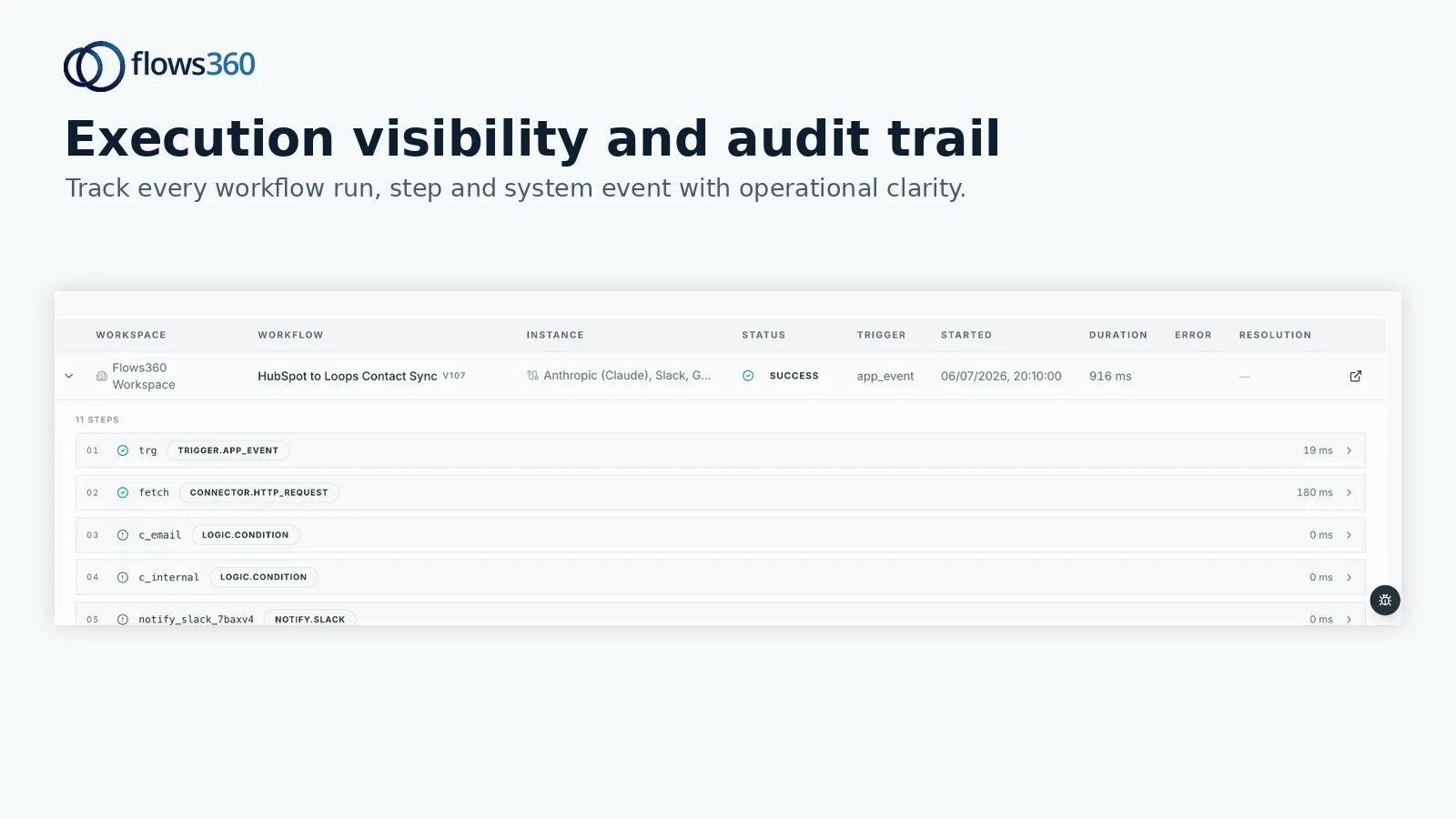
3. Create Repeatable Workflows and Clear Deadlines
Your close process should look nearly identical every month. That standardization is what creates speed.
Document your close process as a step-by-step workflow. Assign owners to each step. Set clear deadlines for each phase (not just “do close stuff by the 5th,” but “revenue accruals due by 2pm on the 3rd,” “fixed asset reconciliation due by EOD on the 4th,” etc.).
When everyone knows exactly what they’re doing, when they’re doing it, and who owns it, there’s no back-and-forth, no rework, and no surprises on day 6.
Use tools to enforce these workflows. A simple shared checklist works. A more robust approach is to embed these workflows into your finance system so that tasks trigger automatically, notify owners, and create an audit trail of what actually happened.
4. Prioritize High-Impact Activities Over Low-Value Busywork

Not all close work moves the needle equally.
Focus your manual effort on accounts and adjustments that have material impact on your financials. Revenue, COGS, payroll, and major accruals matter. Reconciling miscellaneous expenses or chasing tiny rounding errors does not.
This is where many teams lose days. They treat every line item as equally important. It’s not. Identify your top 10-15 accounts and transactions that drive 90% of your variance or complexity. Build workflows and controls around those. Everything else gets a lighter touch.
5. Build a Monthly Review Loop
Your close isn’t done when you finalize the numbers. It’s done when you’ve learned something and improved your process for next month.
Schedule a 30-minute retrospective within a week of close completion. Ask your team: What took longer than expected? Where did we find errors? What could we have prevented with better prep? What broke this month that didn’t break last month?
Take those insights and bake them into your process. Maybe you discover that expense coding delays cost you a day—so next month, you flag expense reports earlier. Maybe you find that a particular vendor’s invoice format consistently causes matching problems—so next month, you ask them to change it or you adjust your matching rules.
This iterative refinement compound every cycle. By month 6, your close is noticeably faster than month 1.
Automation and Governance: The Speed Multiplier
Here’s the hard truth: manual workarounds feel fast in the moment because they don’t require setup. But they’re actually the slowest approach over time because they have to be redone every single cycle.
Real speed comes from once building workflows that run on their own. Transaction matching, reconciliation flagging, accrual calculations, variance analysis—these should all be orchestrated in your finance tech stack so that they execute on a schedule, not on demand.
That’s not about “automation theater” or replacing your team. It’s about giving your team more time to do the thinking work: investigating variances, making judgment calls on unusual items, and improving your financial processes.
If you’re managing multiple systems—GL, banking, revenue recognition, fixed assets, payroll—and you’re stitching them together with manual exports and spreadsheet imports, Flows360 eliminates that friction by orchestrating data flows and workflows across all of them. Your team focuses on analysis. The platform handles the motion.
The Real Benchmark

Industry research from Accounting Today suggests most mid-market finance teams spend 5-7 business days on month-end close. The best teams? 2-3 days.
The difference isn’t that they work harder. It’s that they’ve systematized preparation, automated routine work, and eliminated decision-making friction.
Start with one or two of these strategies—probably prep work and workflow documentation first. Get comfortable with that. Then layer in automation for your highest-volume, lowest-judgment tasks. In 2-3 months, you’ll see the difference in your close timeline and, more importantly, in your team’s stress level.
FAQs About Speeding Up Month-End Close
What’s the biggest bottleneck in most month-end closes?
Manual transaction matching and invoice reconciliation. Teams spend hours comparing documents and spreadsheets when that work could be automated. It’s also the easiest thing to fix first—automate matching, cut your close time by 1-2 days immediately.
How early should we start preparing for month-end close?
At least one week out. Two weeks is better. You should have your pre-close checklist completed 2-3 days before month-end, leaving your team only the final reconciliation and analysis work during the actual close window. That’s when you’ll catch real issues.
Can we really close in 2 days?
If you have the right tech and processes, yes. But be realistic: it depends on your industry, transaction volume, and complexity. A simple SaaS company with stable revenue can close in 2-3 days. A complex manufacturing or financial services company might need 4-5 days even with best practices. The goal is consistency and predictability, not an arbitrary speed record.
What’s the best way to set up a close checklist?
Document every step in your close process in order. Assign an owner and deadline to each step. Include the inputs (what data or documents are needed), the action (what the owner does), and the output (what should be completed or signed off on). Test it once, then replicate it every month. Update it only when you discover something genuinely broken.
See where your workflows are leaking time?